


Home
Microsoft Virtualization with Hyper-V: Manage Your Datacenter Hyper-V, Virtual PC, Server, and Application
Barnes and Noble
Loading Inventory...
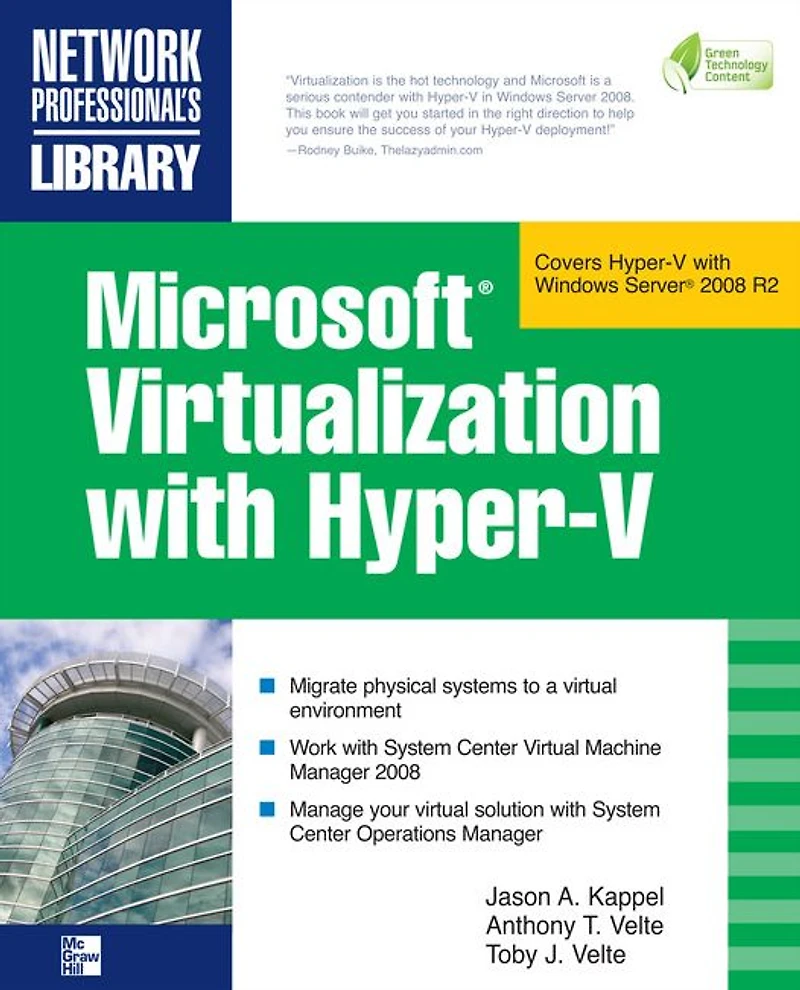
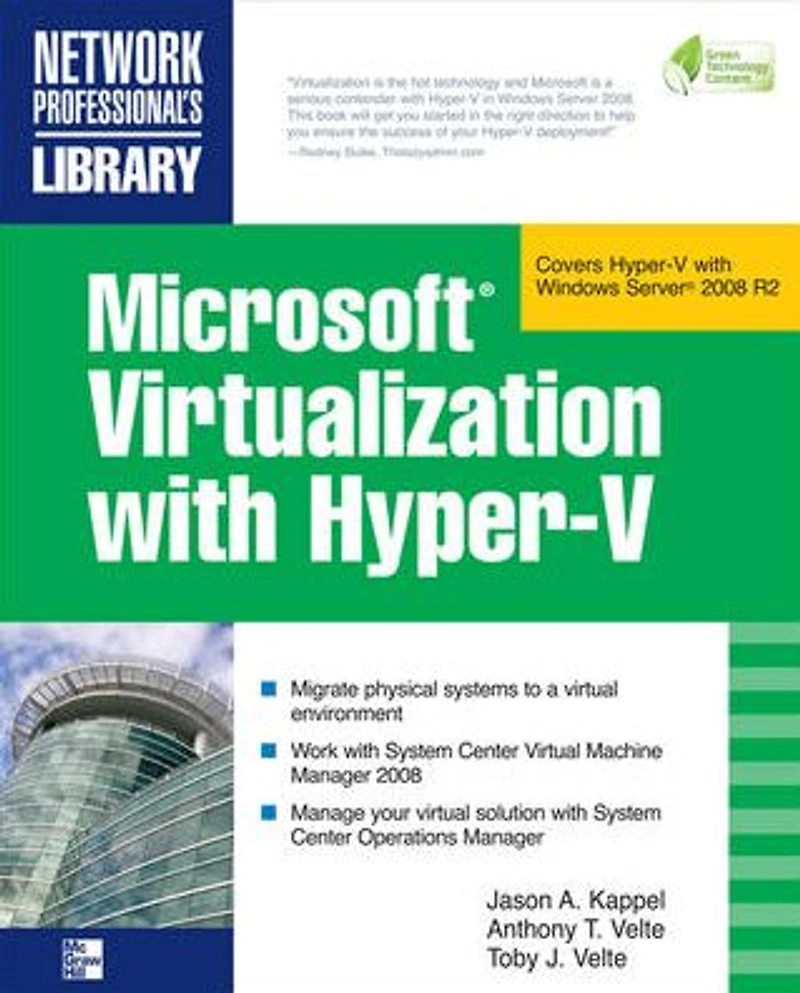
Microsoft Virtualization with Hyper-V: Manage Your Datacenter Hyper-V, Virtual PC, Server, and Application in Bloomington, MN
By Barnes & Noble
Current price: $66.00

Microsoft Virtualization with Hyper-V: Manage Your Datacenter Hyper-V, Virtual PC, Server, and Application in Bloomington, MN
Current price: $66.00
Loading Inventory...
Size: EBook
Implement a Hyper-V virtualization solution Microsoft Virtualization with Hyper-V shows you how to deploy Microsoft's next-generation hypervisor-based server virtualization technology in a corporate environment. You'll get step-by-step guidelines for getting Hyper-V up and running, followed by best practices for building a larger, fault-tolerant solution using System Center Virtual Machine Manager 2008. This hands-on guide explains how to migrate physical systems to the virtual environment; use System Center Operations Manager; and secure, back up, and restore your Hyper-V solution. Plan and implement a Hyper-V installation Configure Hyper-V components Install and configure System Center Virtual Machine Manager 2008 Create and manage virtual machines Back up and restore virtual machines Monitor, back up, and restore the virtual solution Secure your Hyper-V environment Understand the virtual desktop infrastructure Use third-party virtualization tools for Hyper-V
Implement a Hyper-V virtualization solution Microsoft Virtualization with Hyper-V shows you how to deploy Microsoft's next-generation hypervisor-based server virtualization technology in a corporate environment. You'll get step-by-step guidelines for getting Hyper-V up and running, followed by best practices for building a larger, fault-tolerant solution using System Center Virtual Machine Manager 2008. This hands-on guide explains how to migrate physical systems to the virtual environment; use System Center Operations Manager; and secure, back up, and restore your Hyper-V solution. Plan and implement a Hyper-V installation Configure Hyper-V components Install and configure System Center Virtual Machine Manager 2008 Create and manage virtual machines Back up and restore virtual machines Monitor, back up, and restore the virtual solution Secure your Hyper-V environment Understand the virtual desktop infrastructure Use third-party virtualization tools for Hyper-V
Shop Similar Products










Find at Mall of America® in Bloomington, MN
Visit at Mall of America® in Bloomington, MN